
A quarterly report lands in your team’s Slack channel. Someone pastes a screenshot of a revenue chart and asks what drove the spike. A person answers in four seconds.
Your RAG pipeline can’t even see the question. Not because the model is weak. Because the chart was never in the index.
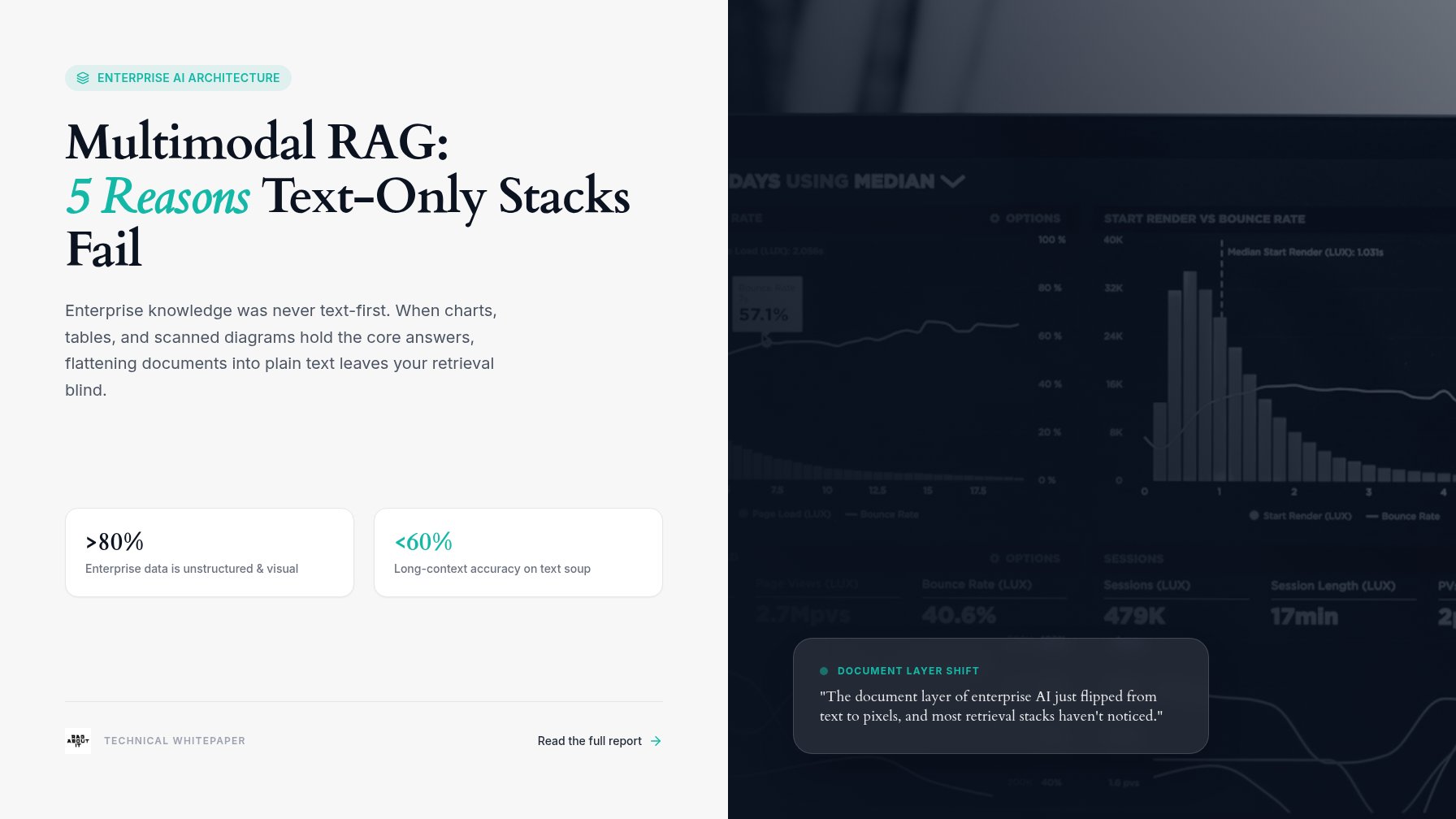
That gap is the most interesting thing happening in enterprise AI right now, and it’s the reason multimodal RAG exists. This week made it hard to ignore. Frontier labs shipped model updates where reading a page as an image is the default, not a demo feature. Retrieval models that index page screenshots directly, with no parsing step at all, matured into production tooling. The document layer of enterprise AI just flipped from text to pixels, and most retrieval stacks haven’t noticed.
The problem behind the news is older. Enterprise knowledge was never text-first. It’s scanned contracts, slide decks, dashboards, invoices, engineering drawings, and PDFs where the number everyone needs lives inside a chart. McKinsey’s 2025 State of AI survey found 78% of organizations now use AI in at least one business function, and a large share of those deployments sit on top of document retrieval. Nearly all of that retrieval starts by flattening every page into plain text and throwing away everything visual.
This post covers why that approach is failing now, what vision-based retrieval changed, and how to bolt multimodal RAG onto an existing stack without a rewrite. You’ll get the five failure modes we see most often in text-only pipelines, the tools that address each one, and a way to measure the improvement on your own documents instead of public benchmarks. Real numbers, named tools, no hand-waving.
The Document Problem You Can’t Parse Away
IDC has estimated that more than 80% of enterprise data is unstructured. The narrower slice that matters here: a lot of it is visually rich. Spreadsheets exported as PDFs. Slide decks. Scanned forms. Dashboard screenshots. These aren’t text documents with pictures attached. The picture is the document.
Multimodal RAG starts from that premise. Index what the page looks like, not what a parser guesses it says.
Parsing is translation, and translation loses things. A two-column paper comes out of some parsers with the columns interleaved mid-sentence. A table split across two pages becomes two broken fragments. Footnotes merge into body text. A chart becomes whatever its alt text said, which is often just “Figure 3.”
Every one of those mistakes propagates downstream. Retrieval inherits them. Generation inherits them from retrieval. The user inherits all of it.
Princeton researchers put a number on the downstream cost in 2025. Their APPLY.locate benchmark asked long-context models to find the exact supporting evidence in a 250-document corpus. All 15 models tested located it less than 60% of the time. Retrieval still carries the load. Feed the retriever text soup and the strongest model downstream can’t recover what never made it into the chunk.
What actually gets lost
Run a typical enterprise PDF through a standard parser and count the casualties:
- Reading order, on any multi-column page
- Tables with merged cells or rows spanning pages
- Charts and figures, reduced to captions
- Stamps, signatures, and handwritten annotations
- Anything scanned, skewed, or low-resolution
Some of that is recoverable with better parsers. Some of it isn’t. The chart case is the expensive one, and it’s next.
5 Reasons Text-Only Retrieval Fails on Real Documents
We keep running into the same five failure modes across deployments, from legal document review to internal help desks. None of them are model problems. They live in the representation layer, and that’s exactly what multimodal RAG changes.
1. Layout carries meaning, and parsing deletes layout
A compliance document puts the warning in a boxed callout. A contract’s signature block determines who’s actually bound. An invoice’s line items only make sense as a grid. Strip the layout and you strip the semantics, then chunk boundaries cut through whatever meaning survived.
The failure looks mysterious from the outside. The pipeline retrieved “the right page.” The model read the chunk. The answer was still wrong, because the chunk was a worse representation of the page than the page itself.
2. The answer is inside the chart
Dashboard exports and slide decks are the worst case. The caption reads “revenue grew as shown below.” The number lives in the image below. A text-only retriever returns the caption, and then one of two things happens: the model admits it can’t answer, or it invents a plausible figure. Neither is acceptable when the actual figure was one page image away.
Benchmarks like ChartQA and DocVQA exist precisely because this content is invisible to text pipelines. Vision models score respectably on synthetic charts and drop hard on real ones, which is why you need the actual chart in context, not a summary of it.
3. OCR errors compound through the pipeline
Do the math on “99% accurate.” A parser that’s 99% accurate per character still makes about 20 errors on a 2,000-character page. At 100,000 pages, that’s roughly two million errors in your index before a single query runs. Embeddings built from wrong text retrieve wrong chunks. Generation cites them confidently.
Retrieval errors are worse than generation errors because they hide. A hallucinated answer at least looks suspicious sometimes. An answer grounded in a misread page looks well-sourced. The citation checks out. The page is real. The reading of it is wrong.
4. Scanned and handwritten documents barely parse at all
Invoices, faxes, intake forms, stamped approvals, engineering markups. Every enterprise has a dark corner of the corpus like this. Mistral’s OCR service advertises 2,000 pages per minute, and it’s genuinely good on clean scans. Handwriting, stamps, and mixed layouts still break it, and everything it breaks is invisible to your stack forever.
5. The benchmarks moved, and text pipelines plateaued
In late 2024, Google Cloud AI Research and Imperial College London released ColPali with the ViDoRe benchmark. ColPali skips parsing entirely: each page becomes a grid of image patches, each patch becomes a vector, and queries score against patches. A 3-billion-parameter model built this way beat text pipelines running strong parsers plus strong text embedders, by more than 30 nDCG@5 points on several visually rich subsets.
ColQwen variants pushed scores further through 2025. Meanwhile, text-only retrieval stacks kept tuning on BEIR-style benchmarks full of clean Wikipedia paragraphs. If your roadmap targets those, you’re training for a test that doesn’t match your documents.
What a Multimodal RAG Stack Looks Like Now
The good news: multimodal RAG doesn’t require throwing out your pipeline. The pattern that works is two lanes.
Vision-first retrieval
Index pages as images. ColPali-style models encode each page into patch vectors, and a late-interaction scoring step matches queries to patches. No parser in the retrieval path at all. Layout, charts, tables, and stamps all live in the vectors because the model saw them.
The tooling is no longer research-grade. The byaldi library wraps ColPali indexing in a few lines of code. Vespa and Qdrant both support multivector scoring for production deployments.
A text lane for grounding and citations
Generation still wants text, and users still want citations they can read. Keep a parsed text lane for that, built with Docling (IBM’s open-source parser), LlamaParse, or Mistral OCR. When the vision lane retrieves a page, either pass the page image to a model that reads it natively, like Gemini or Qwen2.5-VL, or ground the answer in the parsed text from that same page. You get vision-quality retrieval and text-quality citations. That’s multimodal RAG in one line: vision finds the page, text cites it.
Plan for storage and latency
Multimodal RAG has a real cost profile. Patch vectors are heavier than dense vectors: a single page produces roughly 1,000 patch vectors at 128 dimensions each, versus one embedding per chunk in a dense pipeline. Storage planning matters more than it used to. Late-interaction scoring also costs more per query than a single dot product, so use patch pruning and a reranker to keep p95 latency reasonable at scale.
A Migration Path That Doesn’t Break Your Pipeline
You can move to multimodal RAG incrementally. Five steps.
- Audit your document mix first. Pull a random sample of 500 pages and classify them: digital-native PDFs, scans, slides, spreadsheets exported to PDF, plain images. The scan and slide share tells you exactly how much this matters for you.
- Build a labeled eval set. Pull 150 to 200 real user questions and label which page answers each one. This is the most boring step and the most valuable one. Everything after it is measurement.
- Run a parallel vision index. Index the same sample corpus with ColPali or ColQwen. Same questions, same labels.
- Compare honestly. Measure recall@5 and nDCG at the retrieval layer, then check answers end to end. Did the final response match the chart or table on the labeled page? That’s the metric users feel.
- Cut over by document class, not all at once. Slides and scans move first, where the gains concentrate. Digital-native text PDFs can stay on the cheaper text lane.
How to Prove It Works
Public benchmarks can’t validate your corpus. A multimodal RAG stack that aces ViDoRe can still miss your specific invoice format. Build a small internal eval instead, with three metric layers from cheapest to most honest.
Retrieval quality comes first: recall@k and MRR against your labeled pages. This catches the pipeline improving without anyone needing to read answers.
Answer quality comes second: did the final answer match the chart, table, or signature block on the labeled page? Use an LLM-as-judge with a vision model for chart questions, and hand-check 20 of them. Judges are wrong often enough that a manual spot check earns its keep.
Operational cost comes third: the storage delta from patch vectors, the p95 latency delta from late-interaction scoring, and index build time. A 20% recall gain that triples your query bill is a conversation, not a decision.
A typical result from the multimodal RAG deployments we’ve reviewed: retrieval gains concentrate in the scan and slide classes, sometimes doubling recall@5 there, while digital-native text documents stay flat. That’s exactly where the user complaints were coming from. The eval confirms the fix landed where it hurt.
Conclusion
Enterprise documents were never text-first. Text-only RAG pipelines treated them as if they were, and the losses stayed tolerable while parsers kept improving. Two things ended that. Vision retrieval models stopped needing parsers at all, and benchmarks like ViDoRe made the gap measurable instead of anecdotal. ColPali’s 3-billion-parameter proof point, with gains above 30 nDCG@5 points on visually rich subsets, turned “maybe upgrade the parser” into a much clearer decision.
The fix is incremental. Two lanes: vision-first retrieval for finding pages, a text lane for grounding and citing them. Cut over by document class, starting with scans and slides, and measure on your own questions rather than public benchmarks. That’s the whole multimodal RAG migration in three sentences.
Back to that Slack screenshot. The next time someone drops a chart and asks a question, the stack that answers is the one that saw the chart.
If you’re mapping out an enterprise RAG rollout and want it documented properly, that’s where we come in. Subscribe to the Rag About It newsletter for weekly teardowns of tools and methods like this, grab our RAG evaluation guide to build the eval set from step two, or talk to our technical writing team about turning your pipeline decisions into documentation your whole company can follow.