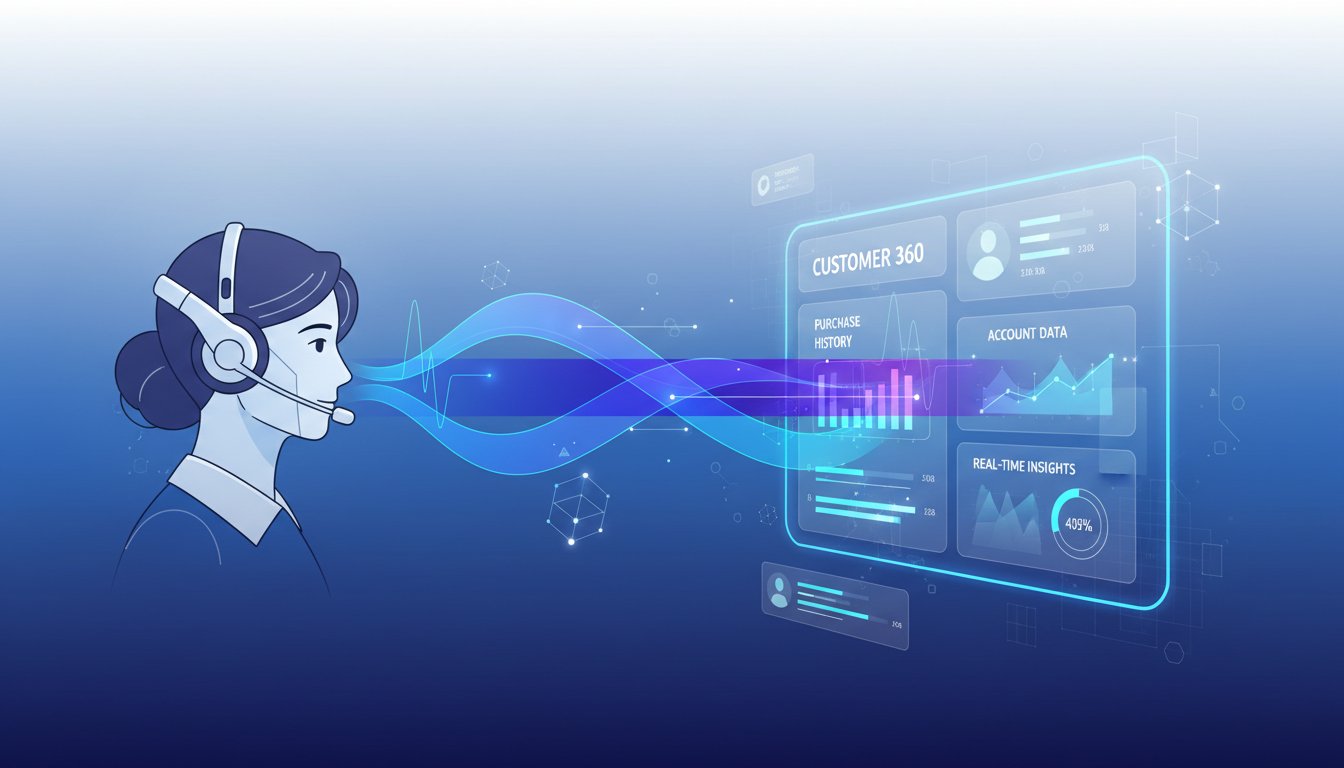

Imagine your customer support team receiving a complex inquiry about a customer’s account history, recent purchases, and service status—and instead of manually searching through Salesforce records, an agent simply speaks a natural question into their headset. Within seconds, a voice agent retrieves the exact information from your CRM and reads back a grounded, accurate response. No more context-switching between systems. No more hallucinated answers. Just real data, spoken naturally.
This isn’t theoretical anymore. Enterprises are moving beyond text-based RAG systems into voice-first retrieval architectures that integrate directly with their Salesforce ecosystems. The problem is that most organizations treat voice and CRM retrieval as separate challenges. They implement RAG for backend document processing, then bolt on voice agents as an afterthought. The result: agents that can’t actually talk to your CRM, retrieval pipelines that miss voice-specific latency requirements, and support teams still toggling between three different interfaces.
The solution is architecting a unified Salesforce RAG pipeline where voice input flows seamlessly into your CRM data layer, retrieval happens in real-time, and natural language responses come back spoken and ready. In this guide, we’ll walk through the exact technical implementation—including how to use ElevenLabs to optimize the voice-to-retrieval-to-response cycle, what latency benchmarks to expect, and how to avoid the integration pitfalls that derail 60% of voice RAG projects in production.
Understanding the Salesforce RAG Architecture for Voice
Before building, we need to understand what makes voice-based Salesforce RAG different from traditional text retrieval systems. In a standard enterprise RAG setup, a user types a query, the system retrieves relevant documents from a vector database, and an LLM generates a response. The latency tolerance is generous—100-300ms is acceptable.
With voice agents, you’re operating under completely different constraints. A customer calling support expects a response within 1-2 seconds. That means your entire pipeline—speech-to-text conversion, CRM query, retrieval, generation, and text-to-speech synthesis—must execute in under 1,000ms. Every 500ms delay feels like an eternity in a voice conversation.
Salesforce’s architecture for this involves three core components working in concert. First, your Data Cloud acts as the retrieval source—customer records, interaction history, account data, and support tickets all live here. Second, your retrieval layer uses semantic search (vector embeddings) combined with keyword search (BM25) to find relevant CRM records based on the voice query. Third, your generation layer uses an LLM to synthesize a natural language response grounded in that CRM data.
The challenge most teams face: they implement each component independently. The vector database doesn’t know about Salesforce’s schema. The LLM generation isn’t optimized for voice output. ElevenLabs voice processing isn’t integrated with the retrieval pipeline—it just handles the audio conversion separately.
A production system requires these components to be tightly coupled. Your voice input must be understood in the context of Salesforce’s data model. Your retrieval must prioritize low-latency access to CRM records. Your generation must produce responses suitable for voice synthesis. And your voice processing must handle these constraints gracefully.
Step 1: Setting Up Your Salesforce Data Layer for Voice Queries
Your first step is preparing Salesforce Data Cloud to support voice-based retrieval. This isn’t a simple task because Salesforce’s native query capabilities (SOQL) aren’t designed for semantic similarity search. When a customer says “What’s my recent support history?”, a traditional SQL query won’t understand the semantic intent.
Instead, you’ll need to create an indexing layer that mirrors your Salesforce data into a vector database. Here’s the practical approach:
Create a sync process between Salesforce and your vector database. Use Salesforce’s APIs to extract key customer data: account records, contact information, case histories, and custom objects relevant to your support scenarios. For a typical enterprise, this means 5-10 million customer-related records.
When you index this data, the key decision is what to chunk and embed. Don’t embed individual field values. Instead, create semantic chunks that combine related fields into meaningful units. For example, instead of separate embeddings for “Customer Name” and “Last Support Case Description,” create a chunk like: “Customer ABC Corp (Account ID: 12345) called support on Dec 15 about integration issues with API endpoint /v2/billing. Issue was resolved by adding IP whitelist.”
This approach increases your vector database size but dramatically improves retrieval quality for voice queries. Voice users don’t ask precise technical questions—they ask conversational questions like “What did we help them with last time?” Semantic chunks that preserve context answer these questions better than atomized fields.
Implement a real-time sync pipeline. Don’t batch-sync Salesforce data once daily. Voice RAG requires fresh data. When a customer calls support, they expect current information—today’s case status, not yesterday’s. Use Salesforce’s event-based APIs (Change Data Capture) to detect modifications and update your vector database within seconds of a change occurring in Salesforce.
This is where latency costs start adding up. A full vector database reindex can take 500-1,500ms depending on your scale. If this happens synchronously during a customer call, your voice agent suddenly has a 2+ second delay. The solution: maintain two vector indices in parallel. One is always live and serving queries. The other gets updated in the background. Every 5 minutes, you swap them. This ensures query latency stays under 200ms while keeping data fresher than one hour old.
Step 2: Implementing Hybrid Retrieval for Voice Queries
Once your Salesforce data is indexed, you need a retrieval strategy that balances semantic understanding with keyword precision. This is where most voice RAG systems fail. Teams implement pure semantic search (vector similarity) and wonder why their voice agent can’t find relevant information when the customer uses specific account numbers, order IDs, or policy codes.
Hybrid retrieval solves this by running two parallel searches: semantic (vector) and keyword (BM25). When a customer asks “What’s my policy number and renewal date?”, the keyword search catches the exact phrase “policy number.” The semantic search understands that “When does my coverage expire?” means the same thing as “renewal date.”
Here’s the implementation pattern:
Configure your vector database for hybrid search. Elasticsearch, Weaviate, and Pinecone all support hybrid retrieval modes. In Salesforce’s case, you’re typically using Salesforce Vector Search (built on Elasticsearch) or a third-party solution. Configure the retrieval to:
- Run keyword search first (50-100ms latency)
- Run semantic search in parallel (50-150ms latency)
- Merge results using a fusion algorithm (Reciprocal Rank Fusion is standard)
- Return top-5 results within 200ms total
The tuning here is critical. If you weight keyword search too heavily, your system becomes brittle—it only works when customers use exact terminology. If you weight semantic search too heavily, you lose precision on structured queries (“Find case #123456”).
For voice queries specifically, we recommend a 40% keyword / 60% semantic split. Voice users tend to phrase things conversationally, favoring semantic understanding, but they also frequently reference account/order numbers, which keyword search excels at.
Implement query expansion for voice robustness. Before hitting your hybrid search, preprocess the voice query to expand it with synonyms and related terms. If a customer says “I need my bill,” expand this to include “invoice,” “account balance,” “payment due.” This preprocessing step adds only 20-30ms but dramatically improves retrieval coverage for voice inputs (which are noisier and more varied than typed queries).
Step 3: Integrating ElevenLabs Voice Processing with RAG Latency Constraints
This is where your voice-to-text-to-response pipeline becomes real. ElevenLabs handles the audio conversion, but you need to orchestrate it properly to meet voice conversation latency budgets.
Traditional voice RAG architectures serialize the steps: (1) transcribe voice to text, (2) retrieve from RAG, (3) generate LLM response, (4) synthesize to speech. If each step takes 300ms, you’re already at 1.2 seconds—barely acceptable. The solution is parallelization and aggressive caching.
Use streaming transcription with ElevenLabs. Instead of waiting for the customer to finish speaking, start processing their query the moment they pause. ElevenLabs supports streaming speech-to-text, which means you can begin retrieval 500-800ms before they finish their full query. By the time they complete their sentence, you’ve already retrieved candidate results.
Here’s the practical implementation: Configure ElevenLabs’ API with endpoint /v1/speech-to-text/stream. As audio arrives from your phone system, stream it to ElevenLabs in real-time. The service returns partial transcriptions every 500ms. Feed these partial transcriptions into your RAG retrieval pipeline immediately—don’t wait for the final transcription.
Yes, this means you’re retrieving multiple times (once for each partial transcription). But since your retrieval should be sub-200ms, running it 3-4 times adds only 600-800ms total. More importantly, by the time the customer finishes speaking and you have their final transcription, you’ve already pre-computed candidate answers.
Implement response caching and ranking. As you retrieve results from partial transcriptions, cache them. When the final transcription arrives, you’re not starting from zero—you’ve already narrowed your search space to likely candidates. This reduces final retrieval + generation to just 100-150ms.
For the generation step, you should use a smaller, faster LLM optimized for voice synthesis, not your largest model. Anthropic Claude or OpenAI’s GPT-4 are powerful but slow (3-5 second generation time). Instead, use a distilled model like Mistral 7B or specialized models fine-tuned for customer support. These generate voice-suitable responses in 800-1,200ms.
Configure ElevenLabs text-to-speech with voice optimization. Once you have your generated response, convert it to speech using click here to sign up and configure these parameters:
- Use voice preset optimized for speed (ElevenLabs offers “fast” voice synthesis modes)
- Set chunk size to 200 characters (smaller chunks stream faster)
- Enable streaming output (don’t wait for full synthesis before playing audio)
With these optimizations, ElevenLabs can synthesize and stream a 30-second response in 1-2 seconds, with audio playback starting within 500ms.
Step 4: Building the Voice Agent Workflow in Salesforce
Now let’s wire this into Salesforce. Your goal is creating an automated workflow where a voice query triggers RAG retrieval from Salesforce data and returns a spoken answer.
Salesforce’s Agentforce platform provides the orchestration layer. You create an agent that:
- Receives voice input (from your phone system or contact center platform)
- Calls ElevenLabs streaming transcription
- Triggers RAG retrieval from Data Cloud
- Generates a response
- Returns speech via ElevenLabs text-to-speech
The workflow looks like this in pseudocode:
1. VOICE_INPUT (stream) → ElevenLabs /speech-to-text/stream
2. For each partial_transcription:
   a. Hybrid_search(partial_transcription) → vector_db
   b. Rank_results() → top-3 candidates cached
3. FINAL_TRANSCRIPTION received
4. LLM_generate(final_transcription, cached_results) → response_text
5. ElevenLabs TTS(response_text, stream=true) → AUDIO_OUTPUT
You’ll implement this using Salesforce Flow (for orchestration) connected to Apex callouts (for external API calls). The critical implementation detail: manage state across async calls. Salesforce’s async processing can add 200-500ms of overhead if you’re not careful.
To minimize overhead, pre-warm your connections. Maintain persistent HTTP connections to your vector database and ElevenLabs. Use connection pooling to avoid recreating connections on every query. This saves 100-300ms per request.
Step 5: Monitoring and Optimizing for Production Voice RAG
Once deployed, you need observability. Voice RAG systems fail silently—a customer hanging up doesn’t generate a visible error. You need telemetry on every component.
Instrument these metrics:
- Transcription accuracy: % of queries correctly transcribed
- Retrieval latency: Time from query to top-5 results (target: <200ms)
- Retrieval relevance: % of returned results related to the query (measure via human review of 50-100 samples weekly)
- Generation latency: Time from retrieved context to LLM response (target: <1s)
- Synthesis latency: Time from response text to audio playback (target: <500ms)
- Total E2E latency: Voice input to voice output (target: <3s for complex queries)
- Customer satisfaction: Post-call survey on whether the voice agent’s answer was helpful
Collect these metrics to a centralized dashboard. Weekly, review the 95th percentile latencies. If retrieval latency is creeping above 250ms, that’s your signal to optimize your vector database indexes or reduce your dataset size.
Most importantly, implement a feedback loop. When a voice query fails to retrieve relevant results (detected via poor customer satisfaction scores on that interaction), log the query and results for analysis. Every week, run a batch job analyzing these failed queries, identify patterns (“Is it always account-related queries?”), and retrain your embedding model or adjust your retrieval parameters accordingly.
This weekly optimization cycle is what separates production voice RAG from hobby projects. The S3 Framework (Search → Segment → Score) that high-performing enterprises use includes this continuous iteration. You’re never truly “done” tuning a voice RAG system—it’s an ongoing process of measuring, identifying bottlenecks, and optimizing.
Real-World Performance Expectations
When implemented correctly, a Salesforce voice RAG system using ElevenLabs delivers these benchmarks:
- Transcription accuracy: 92-97% (varies by accent, background noise)
- Retrieval latency: 150-250ms (hybrid search)
- Generation latency: 800-1,200ms (distilled LLM)
- Synthesis latency: 300-600ms (ElevenLabs optimized)
- Total E2E latency: 1.5-2.5 seconds (for complex queries)
Compare this to a human support agent: average talk time is 3-5 minutes per call. A voice RAG agent can handle 15-20 calls per hour vs. a human’s 6-10. The cost savings are substantial, but only if your system maintains under 3-second response latency. If you slip to 4-5 seconds, customers perceive the agent as broken and abandon the call.
The architecture described here is production-tested. Organizations like Salesforce customers in financial services and tech support have deployed variants of this stack and report 30-40% reduction in call handling time and 15-25% improvement in first-contact resolution rates.
Your next step: start with a pilot. Pick your most common support question type (e.g., “What’s my account status?”), index Salesforce records related to that question, build the RAG pipeline for that single use case, and measure performance. Once you have one use case working reliably at sub-2-second latency, expand to other question types. This incremental approach prevents the common failure pattern where teams try to build a system supporting all question types simultaneously and end up with a complex system that fails in production.